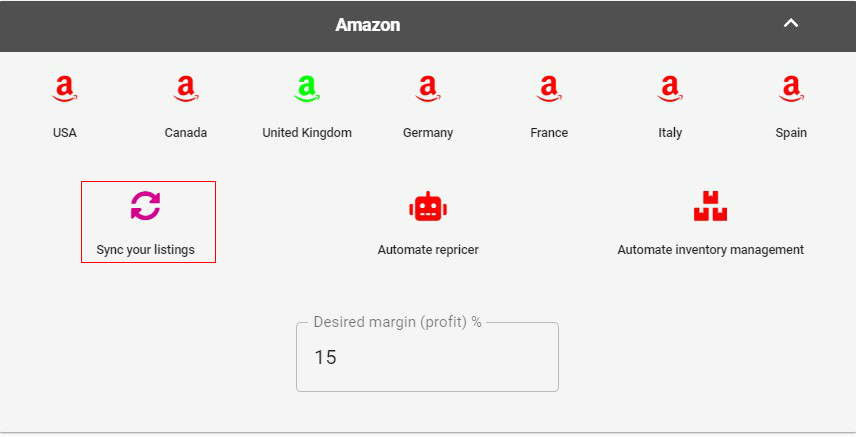
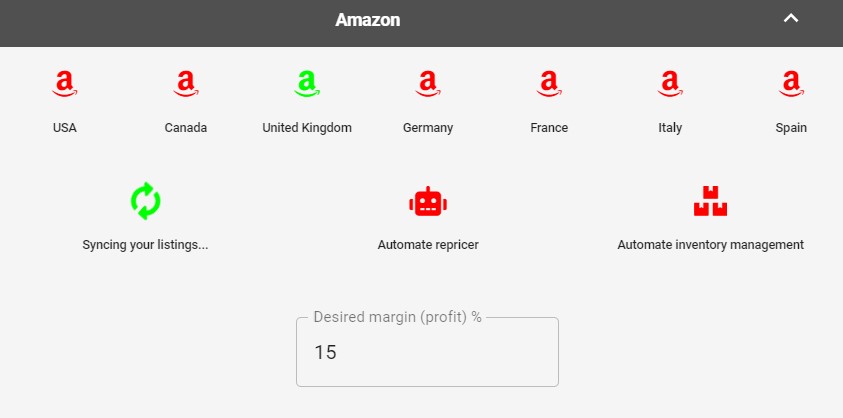
Dropship Beast will now start a syncing process and will download all listings from all of your logged-in marketplaces
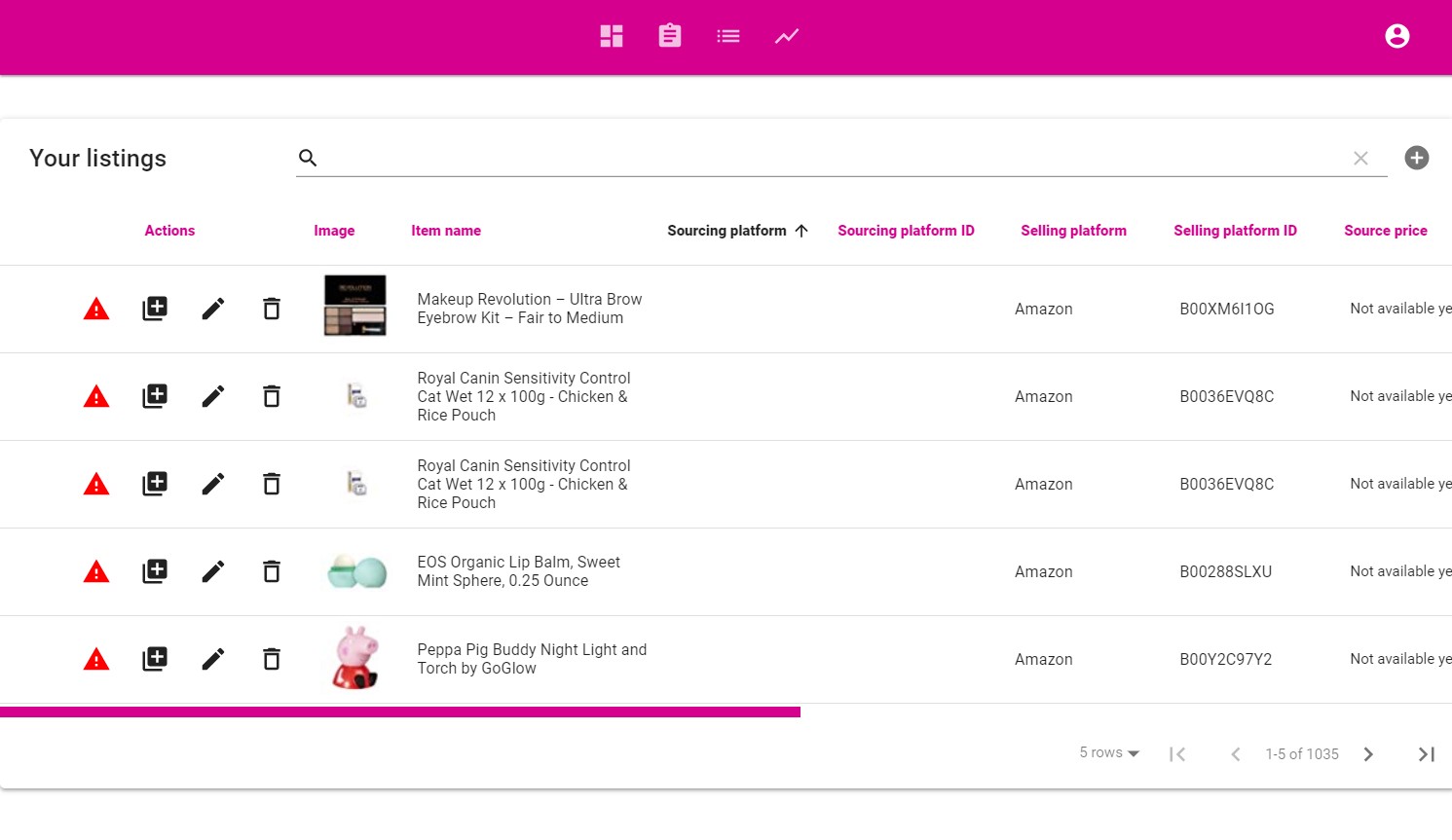
3.1.3 Check your 'Listings' page
Once the green icon stops rotating, your listings will be ready for you in the ‘Listings’ section
3.1.4 Connect the synced products to a source
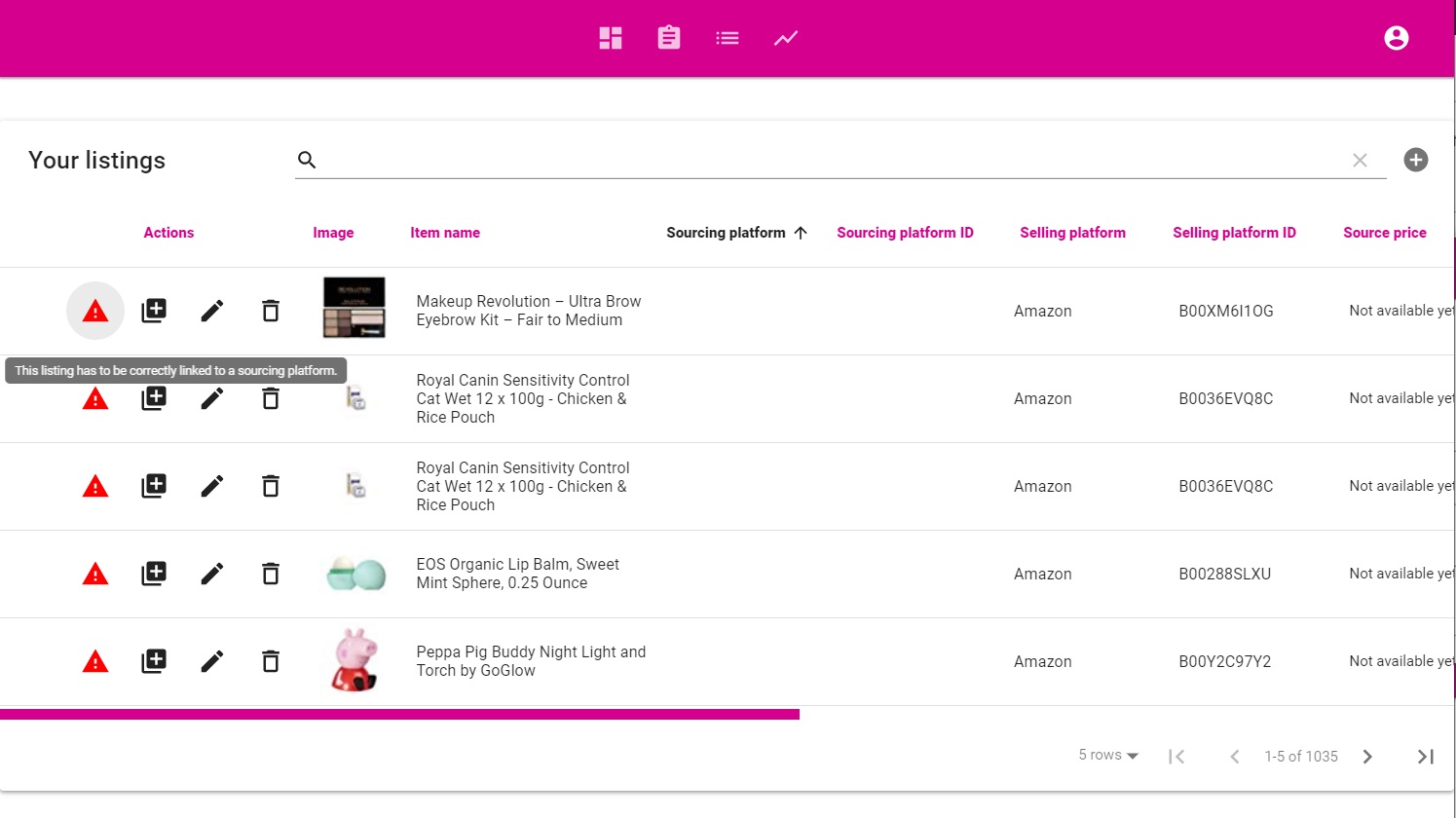
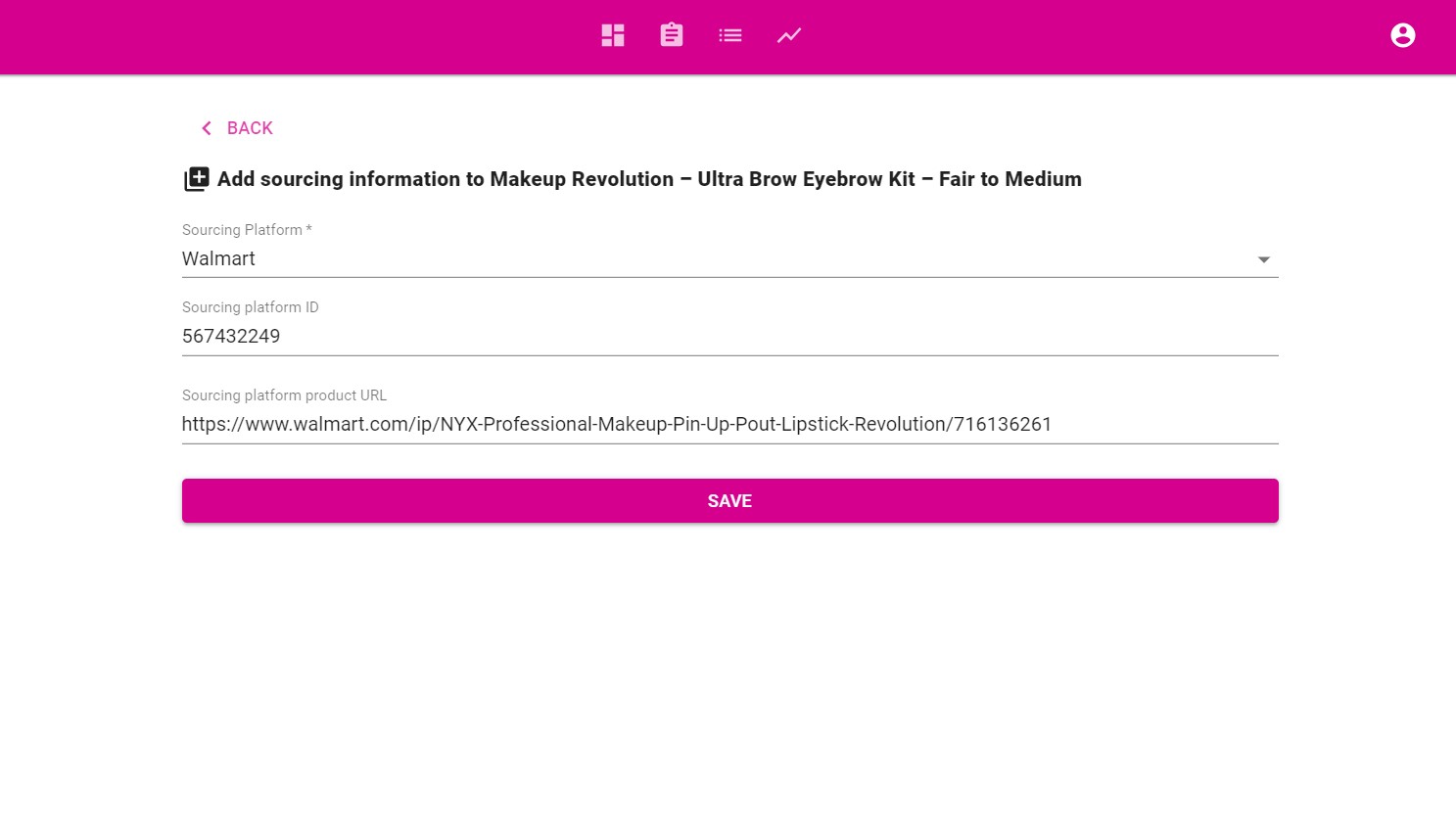
At this point, Dropship Beast still doesn`t know where your listings are sourced from. You need to manually add the sourcing information for each listing.
Click on the red ‘attention’ triangle next to any listing
Fill in all the required information:
1. Sourcing platform
2. Sourcing platform product id
3. Sourcing platform product URL
Selling platform product URL – The URL of the corresponding product listed in your Ebay or Amazon account
Click ‘Save’
3.1.5 Your listing is ready to be monitored and repriced