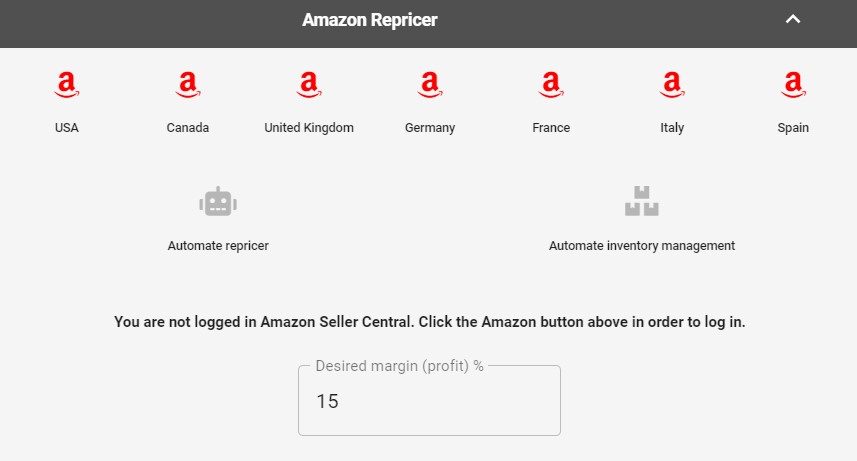
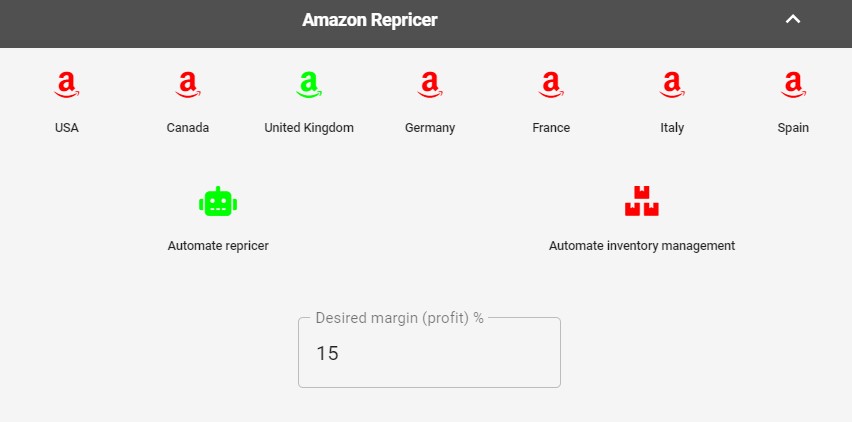
2.1.1 Click the Amazon icon corresponding to the marketplace you want to access in your Dashboard page
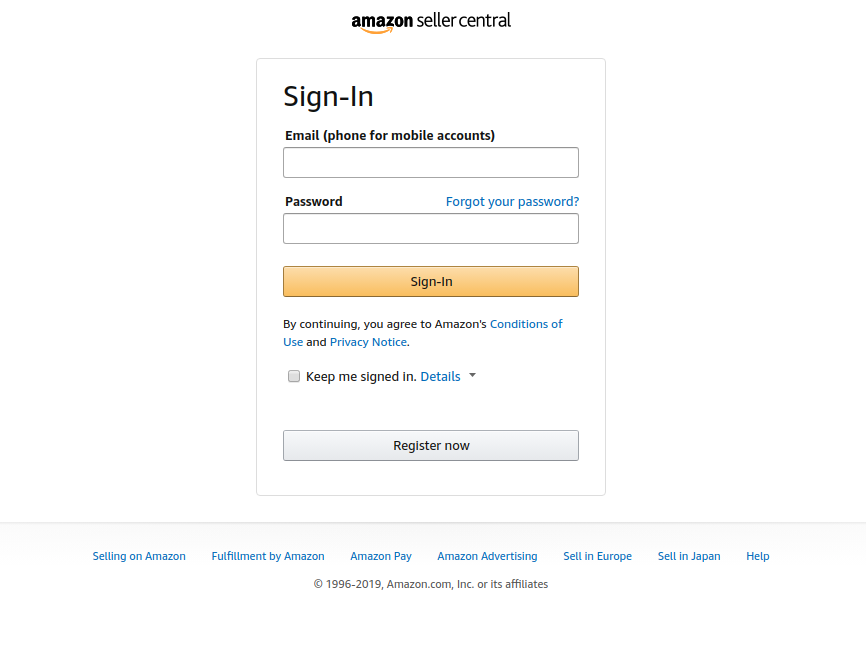
This will launch a Chrome browser and load the Amazon Seller Central SignIn Page.
IMPORTANT: You need to log in separately for every marketplace you want to access
2.1.2 Sign in with your Amazon Seller E-mail and Password
You have to sign in into the Chrome browser that just opened automatically from the app !
Make sure you tick the ‘Keep me signed in’ option
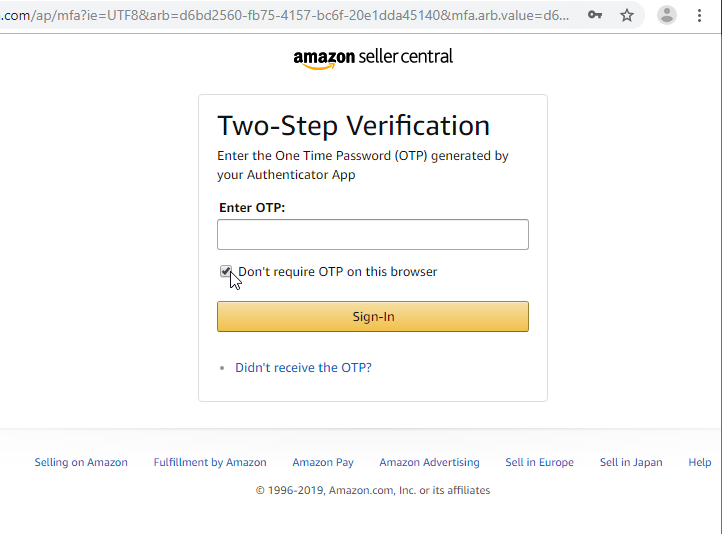
2.1.3 Go through Amazon`s 2-Factor Authentication
Important: Make sure you tick the ‘Don`t require OTP on this browser’ option
Important: Dropship Beast does not store your e-mail and password, it does not upload them to our servers and we do not have access to them.
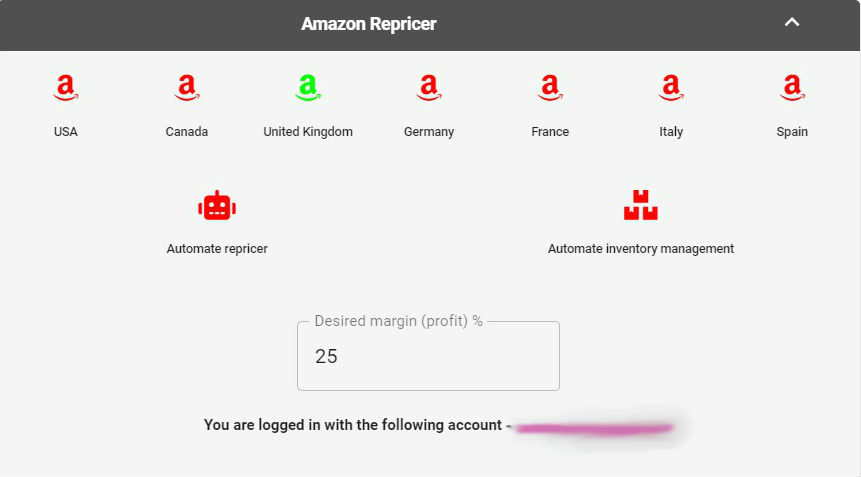
2.1.4 After a successful login, the Amazon icon will have a green status
The Chrome browser will close itself automatically and Dropship Beast will now have a green status icon next to the Amazon account on your Dashboard.
2.1.5 Click on the robot icon in order to automate the repricer.
The reprice percentage setting determines how much lower/higher the price will be set to, if needed. (this is only for testing purposes in the BETA version of Dropship Beast)